Este artículo está disponible solo en inglés.
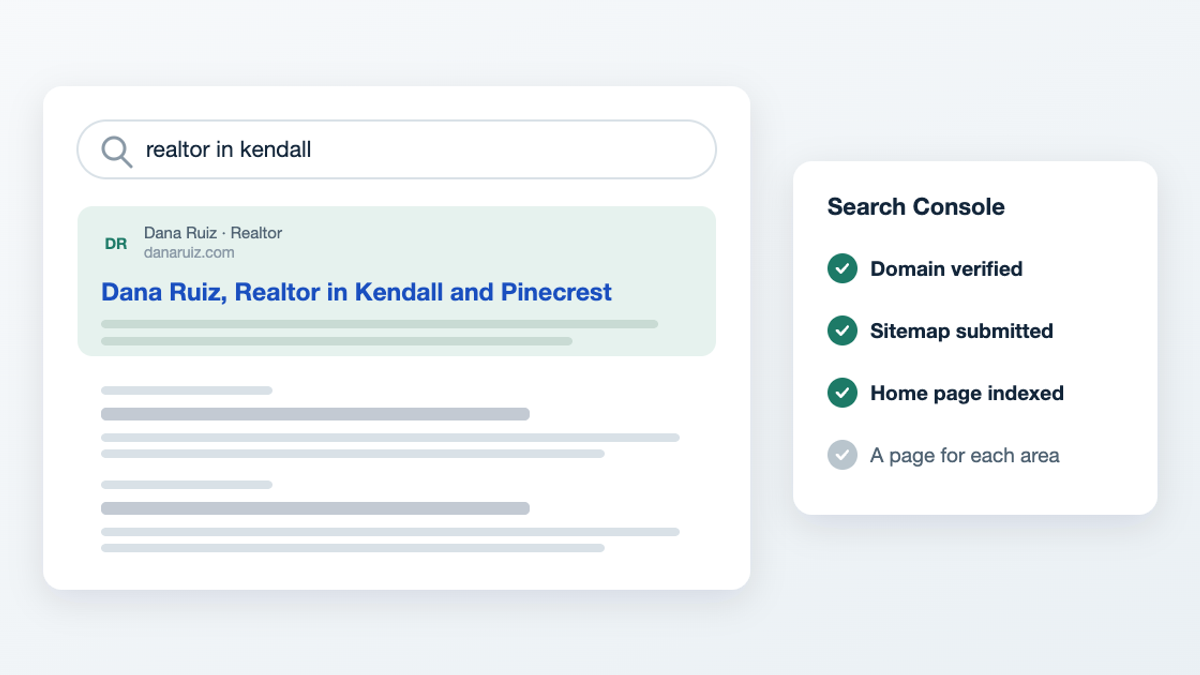
Short answer: Verify the site in Google Search Console, submit its sitemap, and link to it from your Google Business Profile and social accounts so Google finds it within days. Then earn rankings with a page for each area you serve, a fast phone layout, and reviews. New sites usually appear for their own name in 1–2 weeks; for area searches, it takes months of steady work.
Days 1–7: get found
- Google Search Console: verify the domain.
- Submit the sitemap (yourdomain.com/sitemap.xml).
- Request indexing for the home page.
- Link to it from your Google Business Profile, Instagram, Facebook and Zillow profile.
Weeks 2–12: earn rankings
- One page per area you serve, with real local detail: prices, schools, what you like about it.
- Speed on a phone. Google ranks mobile-first.
- Reviews on your Google Business Profile, answered in your own words.
- Consistent name, address and phone everywhere you're listed.
What doesn't help
- Buying links or directory packages.
- Stuffing a page with "best realtor Miami realtor Miami".
- Copying area descriptions from other sites.
Related: What is AEO and why real estate agents should care · Can a real estate agent have their own Google Business Profile?