Este artículo está disponible solo en inglés.
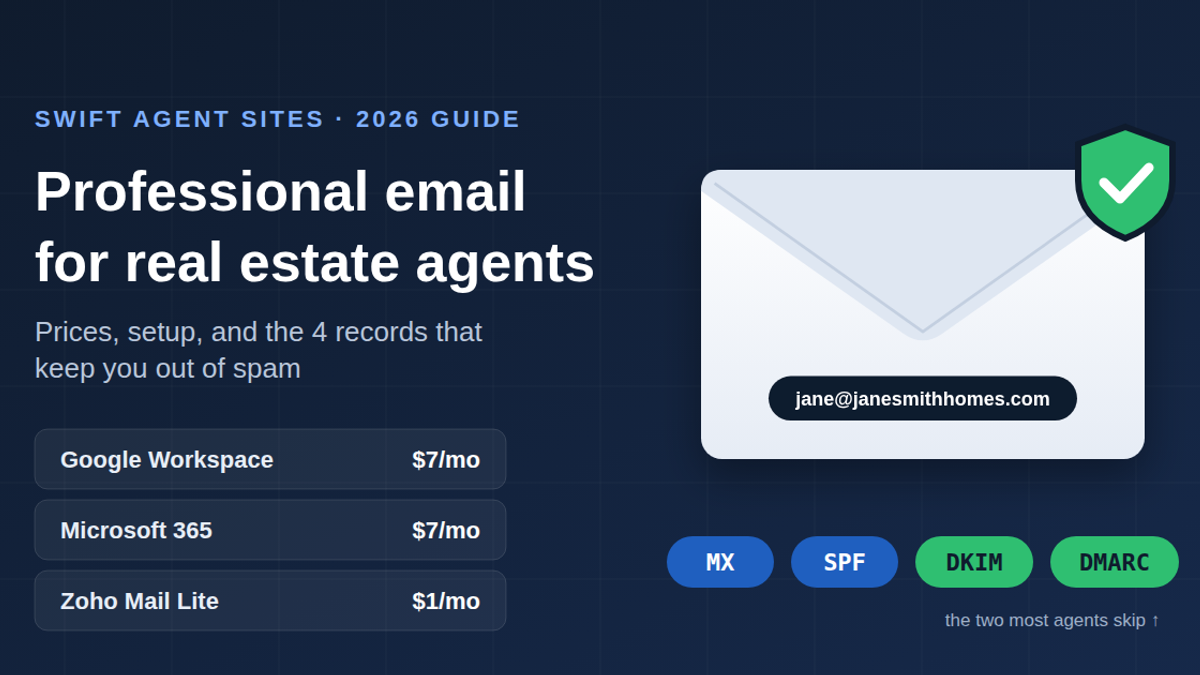
The short answer: most solo agents should use Google Workspace Business Starter ($7/user/month on an annual plan, $8.40 month-to-month) for an address like jane@janesmithhomes.com. It's the easiest option if you already live in Gmail. Microsoft 365 Business Basic ($7/month since July 1, 2026) is the better pick if your brokerage or clients use Outlook and Teams. Zoho Mail Lite ($1/user/month billed annually) is the budget choice and works well if all you need is email. Whichever you choose, the provider isn't what gets your email delivered. Four DNS records are: MX, SPF, DKIM and DMARC. Most agents set up the first two and skip the last two, and that's why their emails land in spam.
Prices were checked in September 2026. Email pricing changes often (Microsoft raised its prices this July), so confirm on the provider's site before you buy.
Why shouldn't an agent use a Gmail address or their brokerage email?
A free @gmail.com address works, but it looks temporary to a seller about to hand you a $600,000 listing. And you can't set up the authentication records described below on a domain you don't own, so newsletters and drip campaigns sent from it are harder to keep out of spam.
A brokerage email address (jane@bigbrokerage.com) looks professional, but it belongs to the brokerage. When you change brokerages, the address usually goes away. Every past client, lender and title contact who has it loses track of you.
An address on your own domain moves with you. That matters more than how it looks.
How much does professional email cost for a real estate agent in 2026?
Here's what one mailbox (one agent) costs on the entry-level business plan of each major provider, as of September 2026.
Google Workspace
- Business Starter: $7/user/month annual, $8.40 flexible (month-to-month). 30 GB storage.
- Business Standard: $14 annual, $16.80 flexible. 2 TB storage.
- Includes Gmail, Calendar, Meet, Drive and Docs on your own domain.
Microsoft 365 (new prices effective July 1, 2026)
- Business Basic: $7/user/month (was $6). Web and mobile Office apps, Outlook, Teams.
- Business Standard: $14/user/month (was $12.50). Adds desktop Word, Excel and Outlook.
- Business Premium: $22, unchanged.
- Versions without Teams cost less: Basic $5.40, Standard $10.79.
Zoho Mail
- Forever Free: up to 5 users, 5 GB each, custom domain supported. No IMAP, POP or ActiveSync, so you're limited to Zoho's own web and mobile apps.
- Mail Lite: $1/user/month annual, $1.25 monthly. Adds IMAP/POP/ActiveSync, so you can use it in the iPhone Mail app or Outlook.
- Mail Premium: $4/user/month annual, 50 GB.
Your domain name costs extra with all three. A .com renews at about $10.50–$12/year at at-cost or low-markup registrars. The registry's wholesale price is $10.26 today and rises to $10.97 on November 1, 2026, so expect small renewal increases everywhere.
Yearly cost for one solo agent, including a ~$11 .com:
- Zoho Mail Lite: about $23/year
- Google Workspace Starter (annual): about $95/year
- Microsoft 365 Business Basic: about $95/year
Which email provider should a real estate agent choose?
Choose Google Workspace if…
- You already use Gmail and Google Calendar and don't want to learn anything new.
- Your showing scheduler or transaction software connects best with Google. Check your specific tools.
- You share folders with clients or co-agents in Google Drive.
The tradeoff: Starter's 30 GB is shared with Drive, and signed PDFs and listing photos add up.
Choose Microsoft 365 if…
- Your brokerage runs on Outlook and Teams, or you work with commercial clients, lenders or attorneys who send you Excel and Word files.
- You want desktop Office apps. That's Business Standard at $14, not Basic.
The July 2026 increase erased Microsoft's old price advantage. Microsoft and Google now cost the same for a solo agent, so choose based on which apps you'd rather use.
Choose Zoho Mail if…
- You want the lowest real cost and you only need email.
- You're setting up a small team on a tight budget.
Skip the Forever Free plan if you want your work email in your phone's built-in Mail app. The free plan doesn't allow it; Mail Lite at $1 does.
What about free email forwarding?
Services like Cloudflare Email Routing forward your domain's mail to Gmail for free, but they only handle incoming mail. Replies go out through Gmail's servers without your domain's DKIM signature, which hurts delivery. Fine for testing a domain; a poor choice for listing alerts or a newsletter.
How do you set up professional email on your own domain?
Every provider follows the same basic steps:
- Buy your domain (or use the one your website already runs on). Keep it short and spellable out loud: janesmithhomes.com works better than jane-smith-realty-group-fl.com.
- Sign up for the email plan and enter your domain.
- Verify you own the domain. The provider gives you a TXT record to add at your DNS host.
- Add the MX record(s). These tell the internet where to deliver your mail. Google Workspace currently uses a single MX record,
smtp.google.com. Zoho uses three (mx.zoho.com,mx2.zoho.com,mx3.zoho.com). Microsoft's setup wizard gives you a record specific to your domain. Always copy these from your provider's setup screen, not from a blog post, including this one. - Add SPF, DKIM and DMARC (next section).
- Create your mailbox and set up your signature, including your brokerage name if your state requires it (see the FAQ).
Plan for about an hour, plus time for DNS changes to spread (usually minutes, occasionally hours).
The trap that deletes your email: changing nameservers
Some website builders ask you to point your domain's nameservers at them instead of adding a few records. DNS management then moves to the new host, and your existing MX, SPF and DKIM records don't come with it. The website goes live and your email quietly stops arriving.
Before you change nameservers, screenshot or export every DNS record at your current host. Afterward, re-create the email records at the new host. If you can connect your website with only an A record or CNAME, leave the nameservers alone.
What are SPF, DKIM and DMARC, and does a solo agent need them?
Yes. The sending rules are stricter now than they were two years ago:
- Gmail requires every sender, at any volume, to pass SPF or DKIM. Senders of 5,000+ messages a day to Gmail must have SPF, DKIM and DMARC. Since November 2025, Google has been rejecting non-compliant mail outright instead of just sending it to spam.
- Outlook.com has required SPF, DKIM and DMARC from senders of 5,000+ messages a day since May 5, 2025, and rejects failing mail with a 550 error.
A solo agent isn't sending 5,000 emails a day. But your CRM's drip campaign or newsletter tool sends on your behalf, and Gmail and Outlook judge your domain by all the mail sent from it. Here's what each record does:
- SPF is one TXT record listing which services may send mail for your domain. For Google it looks like
v=spf1 include:_spf.google.com ~all. - DKIM is a cryptographic signature. You turn it on in your email provider's admin panel, which gives you a TXT record to add. It isn't on by default in Google Workspace, and that's the step agents most often skip.
- DMARC tells receiving servers what to do when SPF or DKIM fails. Start with
v=DMARC1; p=none; rua=mailto:you@yourdomain.comso you get reports without risking lost mail. Tighten it later.
The part most guides leave out: your CRM, e-newsletter tool or transaction platform often sends email "from" your domain too. Each of those services needs its own SPF entry or DKIM record. You can have only one SPF record, so combine them into one line. For example: v=spf1 include:_spf.google.com include:[your-crm's-value] ~all. SPF also has a limit of 10 DNS lookups. An agent who stacks Google, a CRM, a newsletter tool and a showing app can exceed it without knowing, and then SPF quietly fails for everything.
The fewer separate tools you have sending "as" your domain, the easier this is to keep right. That's one reason to pick a CRM that also handles your drip and follow-up email, not a stack of three tools.
Where does your website fit in?
Your website and email should share one domain, so plan them together.
At Swift Agent Sites, we connect your site to a custom domain you own, so the domain on your business card, your website and your inbox all match. It stays yours if you ever leave. You send us your material and get a first draft of the site within 3 business days. The email mailbox itself comes from Google, Microsoft or Zoho as described above. We don't resell it at a markup.
Is there a CRM that captures leads from the website?
Yes. Swift Agent Sites also offers its own CRM, sold separately as a standalone product. It captures leads straight from your website's forms, so a buyer who asks about a listing lands directly in your contacts. You can send email from it in two ways:
- From a @swiftagentsites.com address, using your company name or first name. You don't need your own domain, so it's the quickest way to start.
- From your own domain, once you verify it in the CRM. Mail then goes out as jane@janesmithhomes.com.
As with a brokerage address, a @swiftagentsites.com address is fine to start with, but your own domain is the one that stays with you. If you have a domain, verify it from day one.
FAQ
What is the best email for a real estate agent?
For most solo agents, Google Workspace Business Starter ($7/month annual) on your own domain. Choose Microsoft 365 Business Basic ($7/month) if you work in Outlook, or Zoho Mail Lite ($1/month) if cost matters most.
Can I keep my email address if I change brokerages?
Only if you own the domain. A @brokerage.com address normally goes away when you leave. An address on your own domain stays with you.
Do I have to include my brokerage name in my email signature?
It depends on your state. Many states require the brokerage's licensed name in real estate advertising. Florida's rule, for example, requires the brokerage's licensed name in all real estate advertising, and in online advertising it must appear next to the contact information. Whether a particular email counts as advertising varies, so ask your broker or your state's Realtor legal hotline. Including it is the safe default.
Is Zoho Mail's free plan good enough for a real estate agent?
It can work for receiving mail, but the free plan doesn't support IMAP, POP or ActiveSync, so you can't use your phone's built-in Mail app or Outlook. For $1/month, Mail Lite removes that limit.
Why are my emails going to spam?
Usually one of three things: DKIM was never turned on, your CRM or newsletter tool isn't included in your SPF record, or you have two SPF records, which invalidates both. Check all three before you blame the email provider.
How much does a domain name cost for a real estate agent?
About $10.50–$12 per year for a .com at low-markup registrars. The .com wholesale price rises from $10.26 to $10.97 on November 1, 2026.